

Projectiles Pack / Editing an effect
Editing an effect
Awaiting Asset Store ReviewThis package is not published yet.
Enjoying Projectiles Pack?Leave a reviewLearn how to edit & customize effects using the custom editor.
Editing your first effect
- In the inspector, find the Projectile FX, Muzzle FX or Hit FX component.
- Click Edit FX.
- Navigate through the components making up the effect using the tabs at the top (e.g. Emitter).
- Try to change something (e.g. the density of the particles).
- You can always add more components to the effect. For this, navigate to any of the tabs.
- Scroll down to *Particles and add one using a preset or an empty one.
Step-by-step guide
Step 1 of 3
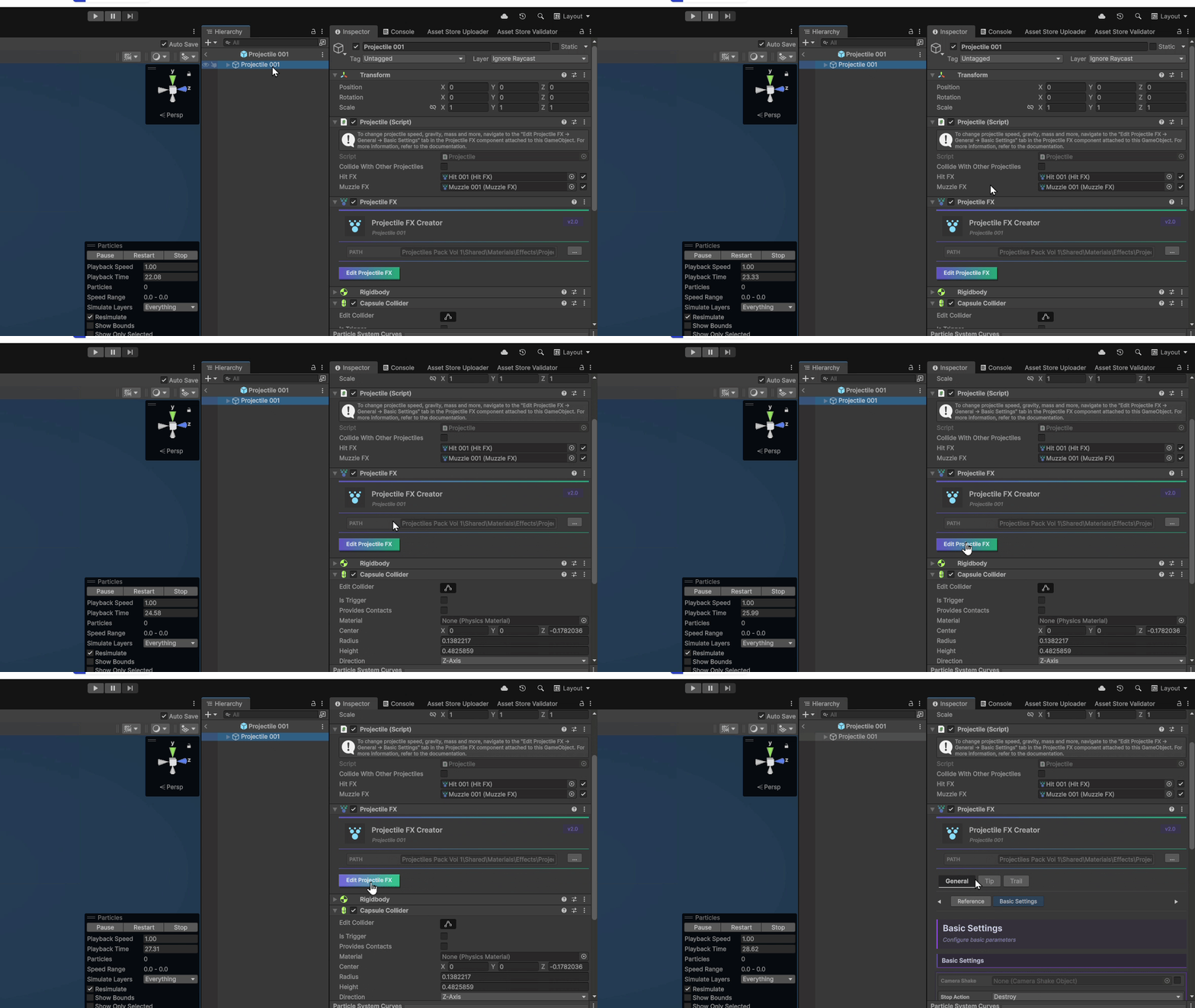
Find Editor FX component
In the inspector of your effect, locate the Projectile/Muzzle/Hit FX component.
Last updated